




Starter
For one streamer finding their first clips.
$19.99/ month
About 17¢ a video · after your 20 free videos
- 5 channels
- 120 videos a month
For Twitch and Kick streamers.
It watches your chat while you stream. When chat goes off, it clips the moment, cuts it vertical and writes the hook. Approve the ones you like and post them in a tap.
Posts to TikTok and YouTube Shorts.
Use it in your browser or on iPhone. 20 free videos, no card. Plans from $19.99 a month. See plans
Hypecut starts listening when you go live and learns your chat’s normal pace. When it spikes (emote spam, ALL CAPS, “clip it”), it clips the moment. One spammer can’t set it off.
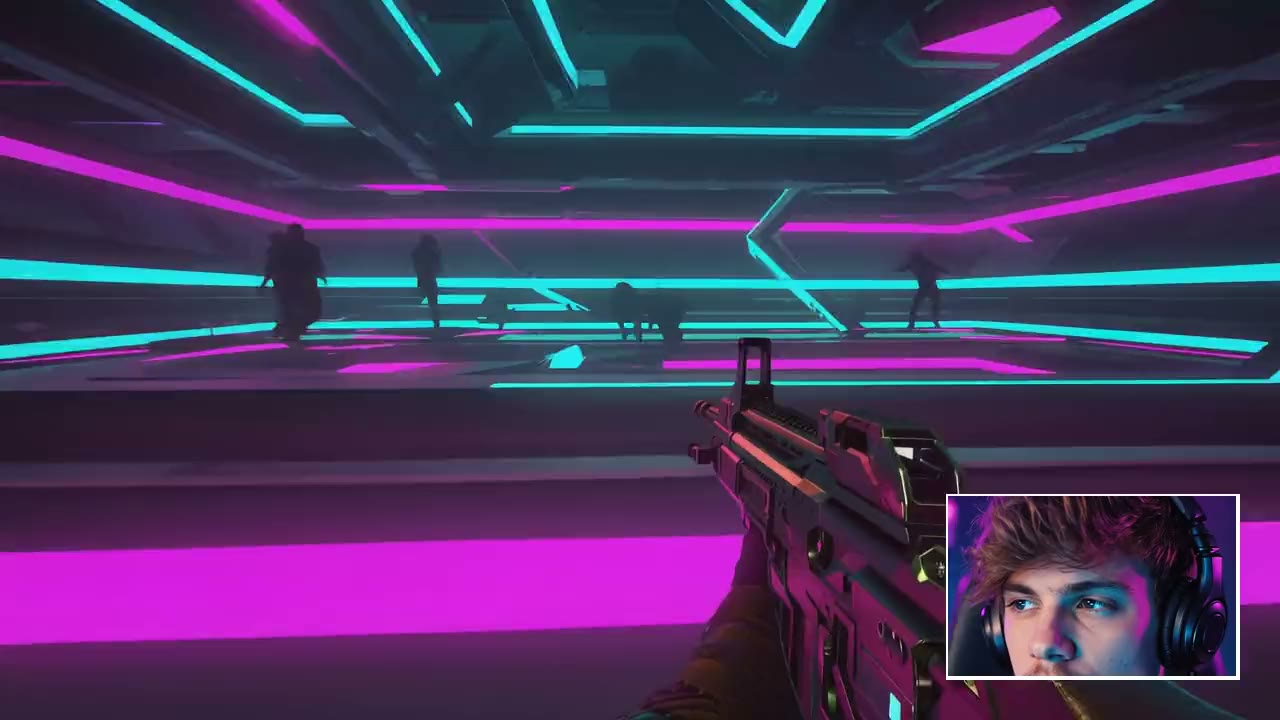
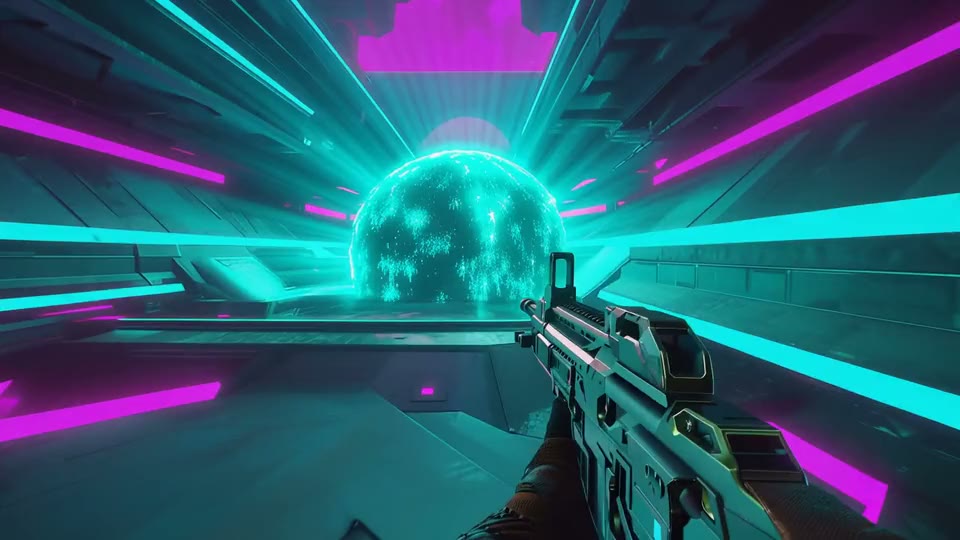
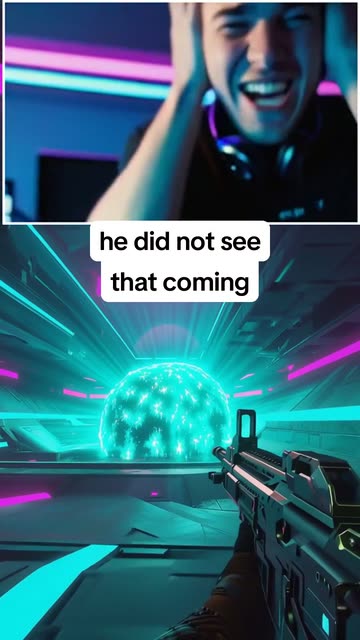
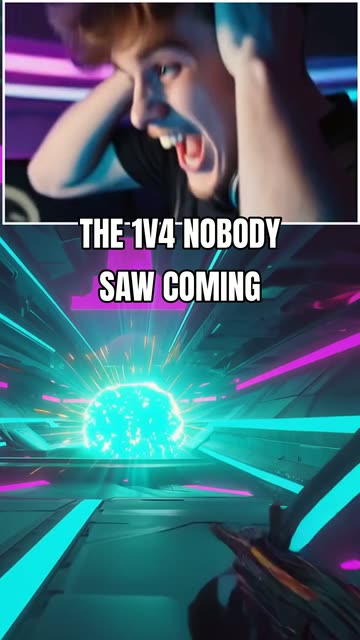
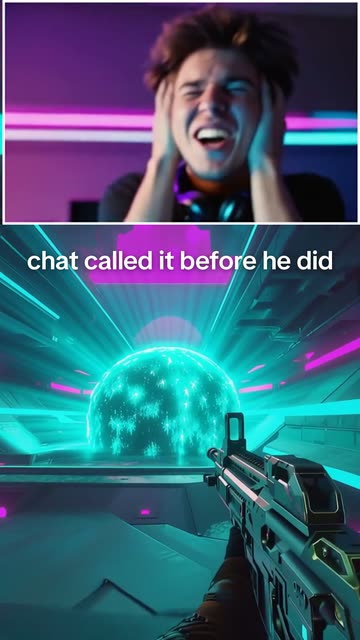
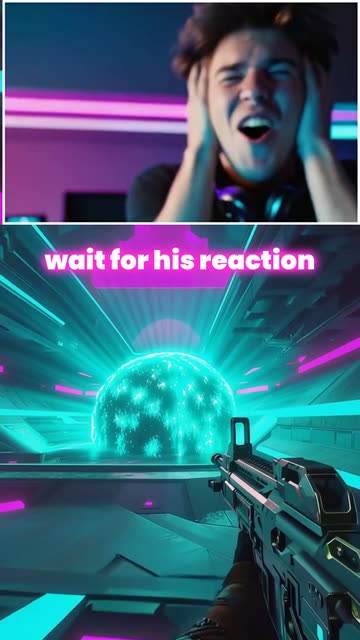
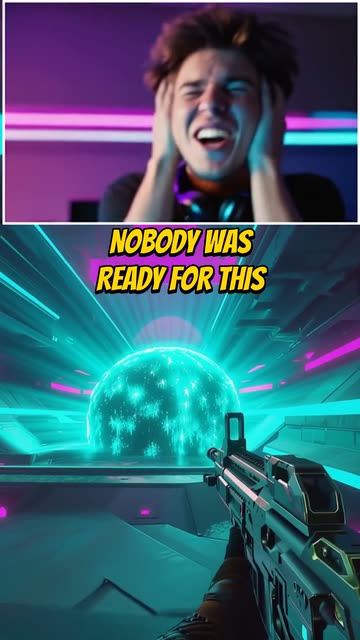
Hypecut finds the cut, frames your facecam and gameplay for a phone and writes the hook on screen. The video lands in your Clips, 9:16 and ready to review.
Every video waits in To review. Post each approved video to TikTok drafts or YouTube Shorts, one tap each. Or turn on auto-post, and a channel’s biggest moments post themselves to YouTube Shorts.
Start freeHypecut writes the hook and draws it in one of ten looks, or one you make yourself. Change the words, the key word and how long it shows before you post.
Hypecut doesn’t guess from the audio or wait for the VOD. It listens to the people who were there.
0
things to add to your stream
Hypecut reads your chat and gets the video from Twitch or Kick, so your stream stays exactly as it is.
20s
of build-up
kept before chat reacts, so every clip shows what they reacted to. Set it from 5 to 25 seconds on each channel.
9:16
on every video
Facecam and gameplay framed for a phone, with the hook on screen.
Every plan has every feature. One credit makes one video; editing its text or framing is free. Pick by how many channels you run and how many videos you want.
For one streamer finding their first clips.
$19.99/ month
About 17¢ a video · after your 20 free videos
For streamers who go live most days.
$39.99/ month
About 16¢ a video · after your 20 free videos
For clippers and teams running several channels.
$99.99/ month
About 14¢ a video · after your 20 free videos
Need more in a busy month? 100 extra videos for $19.99, and they never expire. Monthly videos reset each month.
Something else? Help & support has more answers and a way to reach a person.
A live stream clipper for Twitch and Kick streamers. It watches your chat while you’re live, clips the moments chat goes off, cuts each one vertical with a hook and captions, and posts the ones you approve, or the biggest ones by itself once you turn on auto-post. It’s made by VinciX LLC and lives at hypecut.stream.
No. Hypecut reads your chat and gets the video from Twitch or Kick, so there’s nothing to install on your PC and nothing to add to OBS. Add your channel, connect your Twitch or Kick account, and it starts listening the next time you go live.
Yes. Hypecut’s iOS app for iPhone is free on the App Store, and adds widgets, the Live Activity and Clip now from Siri. You don’t need it, though: Hypecut works in any browser at hypecut.stream, on a computer or a phone, with the same account. On Android, add the website to your home screen.
Only if you want it to. Every video waits in To review, and you pick where each one goes. Hypecut posts it to YouTube Shorts with the caption and hashtags it wrote. It sends TikToks to your drafts, so you finish the post in TikTok. Or turn on auto-post for a channel, and its new videos post themselves to YouTube Shorts when chat’s reaction is as big as you choose. You can also save any video and post it yourself.
One credit makes one video: the cut where Hypecut picks the moment, frames your facecam and gameplay, and writes the hook. Clips that fail cost nothing, and changing a video’s text or framing is free. You start with 20 free videos, no card. Every plan has every feature.
Hypecut compares your chat with its own normal pace, not with big channels, so a small chat that suddenly goes off still counts. You can make each channel more or less sensitive, and you or your mods can ask for a clip by starting a chat message with “hypecut”.
Hypecut makes clips with your own Twitch account, so clips need to be allowed on your channel. If Twitch refuses one (clips turned off, or limited to followers or subscribers), Hypecut pauses clipping there for a while, flags the channel and shows you what to change.
Yes. Add your Kick channel in Channels, and Hypecut clips it live from your chat, with the same looks, review and posting as on Twitch. Kick doesn’t let apps make clips, so for a Kick channel Hypecut records each moment from your public stream instead.
Wherever you post. Connect TikTok or YouTube once, then post each approved video there in one tap. Every video is 9:16, so you can also save it and post it anywhere yourself.
Add your channel before your next stream and let chat pick the moments.
Your chat already knows what should go viral.
Already have an account?